
Skyexch ID Login Problems? Here’s How to Fix Them
A Skyexch ID login failure can turn a routine account check into a frustrating few minutes, especially when the login page suddenly stops accepting familiar credentials. The good news is that many access problems come down to a small set of issues: incorrect details, an outdated page, browser problems, verification errors or an account restriction.
For Indian users trying to access a Sky Exchange account, the first move shouldn’t be repeated login attempts. Too many unsuccessful attempts can make an existing problem harder to diagnose, particularly if the account has additional security checks.
The smarter approach is to identify what you’re actually seeing on screen. An “invalid credentials” message needs a different fix from a page that refuses to load, while an OTP problem is separate again.
This guide breaks down the most common Sky Exchange login problems and explains what you can check before contacting the platform’s official support channel.
The Login Error That Looks Simple but Isn’t
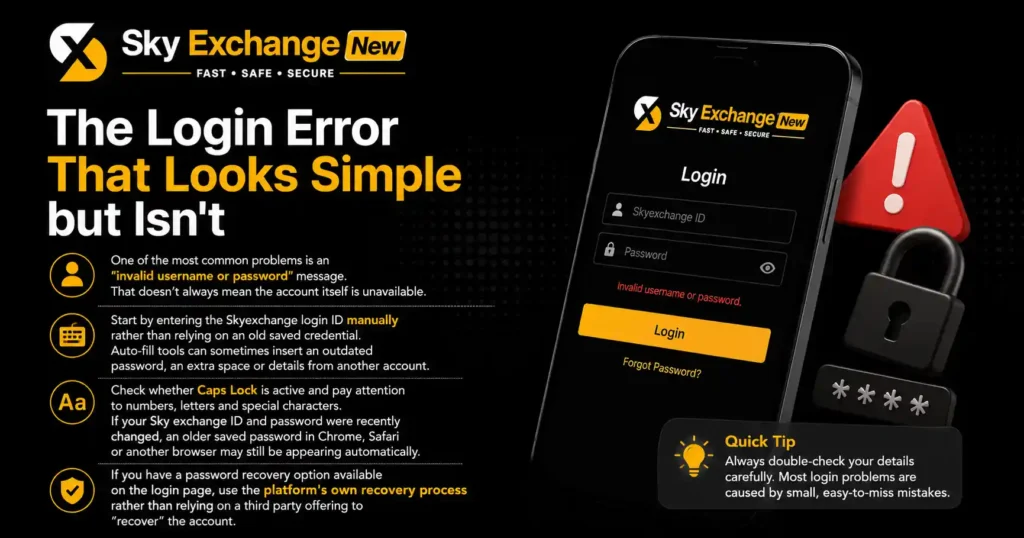
One of the most common problems is an “invalid username or password” message. That doesn’t always mean the account itself is unavailable.
Start by entering the Skyexchange login ID manually rather than relying on an old saved credential. Auto-fill tools can sometimes insert an outdated password, an extra space or details from another account.
Check whether Caps Lock is active and pay attention to numbers, letters and special characters. If your Sky exchange ID and password were recently changed, an older saved password in Chrome, Safari or another browser may still be appearing automatically.
If you have a password recovery option available on the login page, use the platform’s own recovery process rather than relying on a third party offering to “recover” the account.
When Your Sky Exchange Login Suddenly Stops Working
A login that worked yesterday but fails today can have several explanations.
The platform may have changed the access address, the saved session may have expired, the browser may have stored outdated website data, or the account may have been temporarily restricted. A network problem can create a similar experience when the login page loads partially but fails during authentication.
Try opening the login page in a private or incognito browser window. This is a quick way to test whether stored cookies or cached information are interfering with the session.
If the private window works, clear the website’s stored data in your normal browser and try again. There’s no need to delete every saved password or browsing record if the problem is limited to one website.
The Page Won’t Load? Check These Three Things
A blank screen or endlessly loading Skyexch login page points toward a technical issue rather than a forgotten password.
First, check your internet connection by opening another reliable website. If several sites are slow or unavailable, switching between Wi-Fi and mobile data can help identify whether the connection is responsible.
Second, try another browser. Chrome, Firefox, Safari and other modern browsers can handle websites differently, particularly when cached scripts or security settings are involved.
Third, check whether the login page itself is currently accessible. Some users immediately reinstall an app or reset their password when the actual problem is a temporary website or server-side issue.
Don’t Keep Refreshing the Same Broken Page
Repeatedly refreshing a page rarely fixes a server-side problem. It can instead create multiple sessions or interfere with an authentication process that was already in progress.
If the page suddenly stopped responding, close the tab, wait a few minutes and open a fresh session. If the same problem appears across different browsers and networks, the issue is less likely to be your device.
That distinction matters. You don’t want to change perfectly valid login credentials simply because a website is temporarily unavailable.
OTP Problems Are a Different Beast
An OTP that never arrives can make a perfectly correct Skyexchange login ID appear unusable.
Start by checking that the registered mobile number or email address is still accessible. Look through spam or filtered folders if the verification code is being sent by email.
If you’re using a mobile number, check your signal and make sure your phone can receive ordinary messages. A delayed OTP may arrive after you’ve already requested another code, so use the newest valid code rather than an older message.
Don’t share an OTP with an agent, stranger or anyone claiming they need it to activate your account. A verification code is designed to confirm access, so handing it over can undermine the very security check you’re trying to complete.
What If the OTP Still Doesn’t Arrive?
Avoid requesting dozens of codes in quick succession. Some authentication systems limit repeated requests or invalidate earlier codes when a new one is generated.
Wait for the normal delivery window shown by the service, then try again. If the problem continues, contact the platform through a support channel you can verify independently rather than following an unsolicited message or social-media account.
Your App Works Differently From the Browser
The Sky Exchange app can present a different login experience from the website. A browser login may work normally even when an installed app has outdated data.
If the app suddenly stops accepting your Sky exchange login details, check whether an update is available through the official app distribution channel you normally use. Avoid downloading APK files from random links posted in messages, groups or unfamiliar websites.
You can test the account through a trusted browser if web access is officially available. If the browser works but the app doesn’t, that points toward an application-specific problem rather than a password issue.
On Android, clearing the app cache can sometimes resolve corrupted temporary data. If you decide to reinstall an app, make sure you know your credentials first and obtain the software from a source you can verify.
A New Sky Exchange ID Isn’t Always the Answer
When an existing login fails, some users immediately search for a “sky exchange new id” or “skyexchange login new id”. That can create more confusion.
If the original account belongs to you, recovering access to that account is usually the cleaner route. Creating multiple accounts can conflict with account rules and may create separate verification, balance or identity issues.
The same applies to searches for “sky exchange id create”, “skyexchange id new” or an “online cricket id”. A new account doesn’t fix a technical problem with an existing account.
Before doing anything with a new ID, establish why the original login failed and whether the service permits another account.
The Password Reset Route Needs Care
Forgotten passwords are among the easiest login problems to solve when the official recovery process is available.
Use the password reset option provided on the legitimate login page. Follow the verification steps using the registered email address or phone number and create a new password that isn’t reused elsewhere.
Avoid sending your password to an agent, friend or support contact. Legitimate support should not need your full password to diagnose a login problem.
If you use a password manager, update the stored entry after changing the password. Otherwise, the browser may continue entering the previous credential and make the new password look as if it has failed.
A Better Password Habit
Don’t use the same password for your email, banking account and betting account. If one service is compromised, reused credentials can expose your other accounts.
A long, unique password is preferable to a short password that you use everywhere. If the platform supports additional verification, activate it through the official account settings.
What an Account Lock Can Look Like
An account restriction can be confused with a normal login failure.
You may see a message indicating that the account is locked, suspended, disabled or unavailable. In that situation, repeatedly entering the same credentials won’t resolve the underlying issue.
Account restrictions can have different causes, including security checks, verification requirements or platform-specific account rules. The exact reason needs to come from the service handling the account.
Don’t try to bypass a restriction by using another person’s ID, changing identifying information or repeatedly creating new accounts. Contact official support and ask what verification is required to restore legitimate access.
Agents and Admin Logins Need Extra Caution
Searches for “Sky Exchange Agent login”, “skyexchange admin login” and similar terms can lead users toward pages that look convincing but aren’t necessarily connected to the service they intend to access.
An ordinary player account and an agent or administrative account aren’t interchangeable. They can have different permissions, login addresses and security requirements.
If you’re an agent, use the administrative access route supplied through a verified business relationship. Don’t enter an admin password into a page reached through an unsolicited message or unfamiliar domain.
For ordinary users, never provide admin credentials to someone who claims they can fix an account. An account-recovery problem should not require access to somebody else’s administrative panel.
The Browser Fixes That Are Actually Worth Trying
You don’t need a long list of complicated technical steps.
Start with a private browsing window. If that fails, try another current browser. Then test a different network, such as mobile data instead of Wi-Fi.
If the problem disappears after one of these tests, you’ve already narrowed down the cause.
You can then clear the affected website’s cookies and cached files, restart the browser and try again. Keep your browser and operating system updated, particularly when a website relies on modern security protocols.
Avoid installing unknown browser extensions or “login fixer” software. These tools can create a much bigger security problem than the original login failure.
When You Should Stop Troubleshooting Yourself
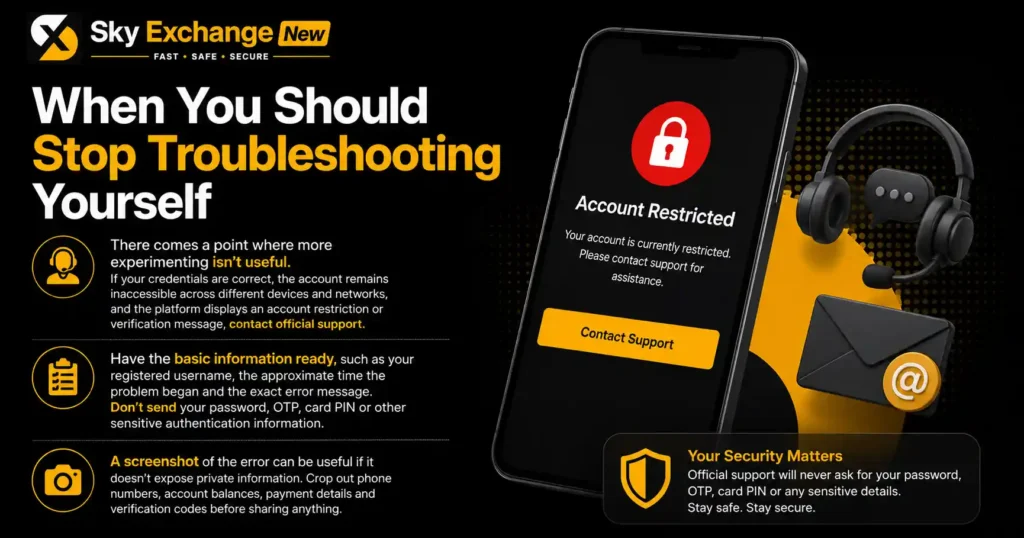
There comes a point where more experimenting isn’t useful.
If your credentials are correct, the account remains inaccessible across different devices and networks, and the platform displays an account restriction or verification message, contact official support.
Have the basic information ready, such as your registered username, the approximate time the problem began and the exact error message. Don’t send your password, OTP, card PIN or other sensitive authentication information.
A screenshot of the error can be useful if it doesn’t expose private information. Crop out phone numbers, account balances, payment details and verification codes before sharing anything.
A Quick Sky Exchange Login Checklist
If your Skyexchange login isn’t working, run through this sequence:
- Check the username or Sky exchange ID for typing errors.
- Enter the password manually once instead of trusting auto-fill.
- Check Caps Lock and special characters.
- Use the official password recovery option if the password is forgotten.
- Test the login in a private browser window.
- Try another current browser.
- Switch between Wi-Fi and mobile data.
- Check whether OTP messages or emails are being delivered.
- Update the official app if an update is available.
- Stop repeated attempts if the account appears locked.
- Contact verified support if the issue continues.
- Never share passwords, OTPs or payment PINs with anyone claiming to offer login assistance.
This process separates credential problems from browser, network, application and account issues without making unnecessary changes to your account.
Why “Login Failed” Doesn’t Tell You Enough
A generic login-failed message is frustrating because it doesn’t identify the exact cause.
The useful clue is what happens immediately before or after it. A password error points toward credentials, a missing OTP points toward verification, a blank page suggests a technical or network issue, and an account-disabled message requires support.
That makes the first few seconds of troubleshooting more valuable than repeatedly pressing the login button.
For users tracking cricket markets or checking an account before a match, this distinction can save time. A quick browser and network test is usually more useful than immediately searching for another login ID.
Keep Your Account Details Under Your Control
The safest Skyexchange login habit is simple: keep your credentials private and use only access points you can verify.
Be particularly careful with messages promising a “new login”, “VIP login”, “instant activation” or a replacement ID. Familiar branding doesn’t prove that a page or person is legitimate.
The same rule applies to online cricket ID providers, betting exchange login pages and mobile applications. Don’t assume a search result, WhatsApp message or social-media profile is an official support channel.
The Real Fix Is Finding the Right Cause
Skyexch ID login problems can look similar on the surface, but the solution depends on what has actually failed. Incorrect credentials call for credential recovery, a broken page calls for technical checks, OTP trouble requires verification troubleshooting, and an account restriction needs the service’s support team.
If you’ve already tested the credentials, browser and connection and nothing changes, stop making repeated attempts. Protect the account, keep sensitive details private and use the platform’s verified recovery or support route.
For Indian users, that basic discipline matters just as much on a mobile phone as it does on a desktop. A login problem is inconvenient, but rushing toward an unverified new ID or unofficial download can turn a small access issue into a much bigger account-security problem.
