
Skyexch Plus Login Guide: Access Your Account in Seconds
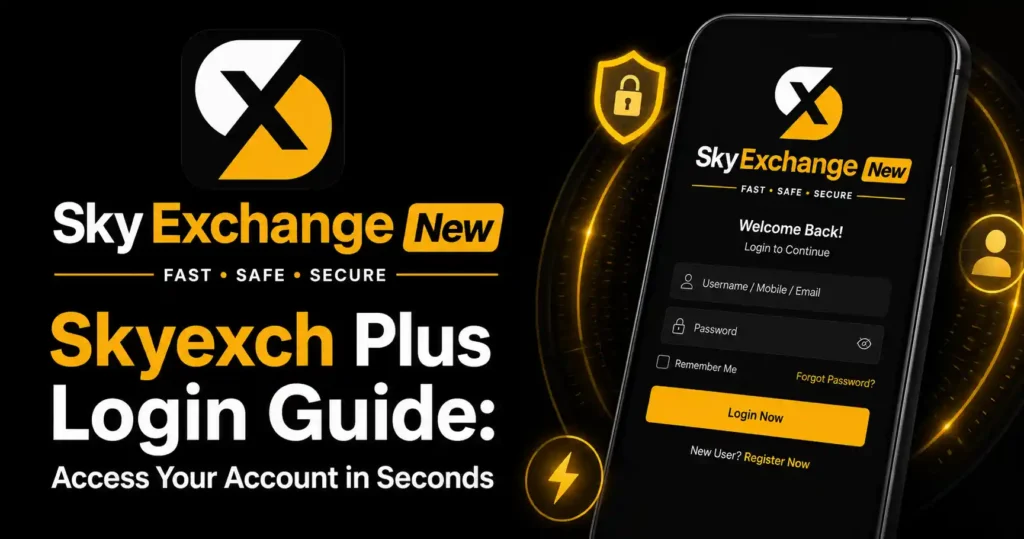
The fastest route into a Skyexch Plus account is not repeated password guessing. It is using the correct login page, entering the assigned Sky Exchange ID exactly, completing the validation field, and checking the browser before trying again.
That extra validation box is where many users get stuck. The current Skyexch Plus login screen displays fields for username, password, and a four-digit validation code, followed by Login and Demo Login buttons.
For Indian users following cricket markets, live match prices, or an online cricket ID, account access often matters most just before the toss or during an innings break. A rushed login can lead to mistyped credentials, repeated failures, or entry through an imitation page.
This guide explains the cleanest Sky Exchange login route, the difference between client and agent access, mobile browser fixes, password recovery habits, and the security checks worth completing before you use any betting exchange account.
Your Correct Password Can Still Fail Here
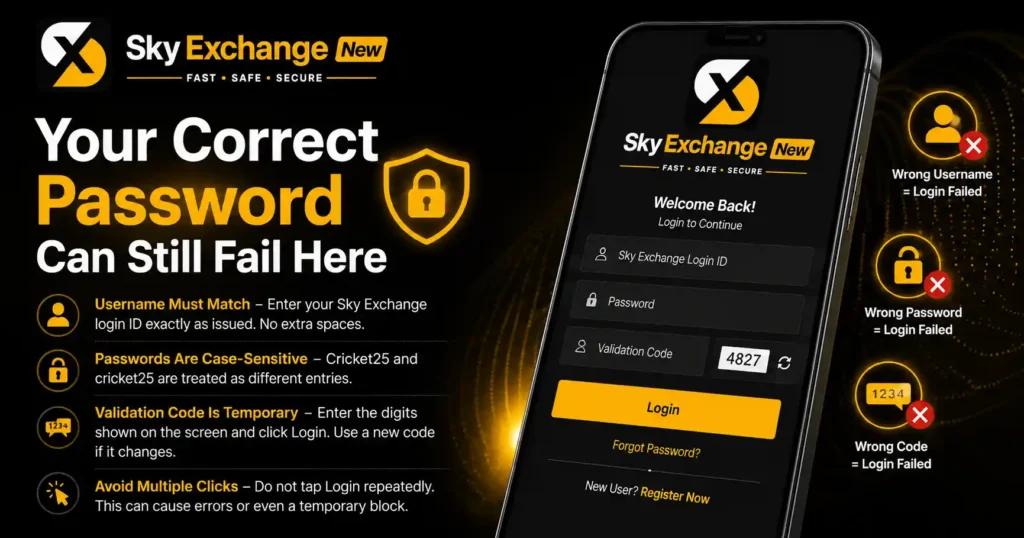
A correct password does not guarantee access if the username or validation code is wrong. On the Skyexch Plus screen, all three entries need to match the required format before the account dashboard can open.
Type the Sky Exchange login ID exactly as it was issued. Usernames may include numbers, capital letters, or a set sequence, so avoid adding spaces before or after the ID. Passwords are case-sensitive on most account systems, which means Cricket25 and cricket25 should be treated as different entries.
The validation number is temporary and visible on the page. Enter the digits shown beside the validation field, then press Login once. If the code changes after an unsuccessful attempt, use the new number rather than repeating the old one.
Do not tap the login button several times in quick succession. Repeated submissions can create extra errors, trigger a temporary block, or make it harder to identify which field caused the failure.
The 30-Second Sky Exchange Login Route
Open the Skyexch Plus page in a current browser. The platform’s home page states that it works best in the newest or immediately previous version of Google Chrome, so updating Chrome is a sensible first check when the page behaves strangely. ([Skyexch][2])
Enter your skyexchange ID in the username box. Add your password, complete the displayed validation number, and review all three fields before pressing Login.
Once access is granted, confirm that the account name or ID shown in the dashboard matches yours. Check the displayed balance and recent account activity before opening any cricket exchange or betting exchange market.
Log out after using a shared phone, office computer, cybercafe system, or another person’s device. Closing the browser tab alone may leave an active session behind.
A Faster Routine on Your Own Phone
On a personal device, save the verified login page as a browser bookmark rather than searching for skyexchange login every time. Search results can contain similar domain names, ads, copied branding, or pages that claim to issue a Sky Exchange new ID.
Keep the username in a secure password manager. Avoid saving the password inside notes, screenshots, WhatsApp chats, or your phone gallery, where another person could find it without opening the platform.
Auto-fill can save time, but review what it inserts. A browser may fill an old skyexch login ID, an agent credential, or details from a different betting website.
The Address Bar Could Save Your Entire Account
The most serious login mistake happens before a user types anything. Entering an ID and password on a copied page can expose the account even when the page design, logo, colours, and buttons look convincing.
Check the full domain in the browser address bar. Do not trust a link only because it arrived from a familiar contact, a social-media profile, a Telegram channel, or a message claiming to represent a sky exchange agent.
The current Skyexch Plus home and login pages operate as JavaScript web applications. If the page says JavaScript must be enabled, fix the browser setting or test another current browser instead of moving to an unknown mirror. ([Skyexch][1])
Never send your sky exchange ID password, one-time code, payment PIN, or screen-sharing access to someone offering instant account repair. A genuine support process should not require your banking PIN or unrestricted control of your device.
Sky Exchange ID, Client Login, and Agent Login Are Different
A standard Sky Exchange ID is normally used by the account holder. It opens the client dashboard linked to that username, balance, account history, and available markets.
A sky exchange agent login serves a different role. Agent, master, super-master, and admin credentials may lead to separate panels with different permissions, and they should never be entered casually into a client-facing page.
If you received a skyexchange ID from an agent, record the exact username and ask which verified page is meant for client access. Do not assume that a skyexchange agent login, skyexchange admin login, or skyexch biz login uses the same address as Skyexch Plus.
Users searching for “sky exchange id create” or “skyexchange new id” should be cautious with anyone requesting advance fees, remote-access software, identity documents through open chat, or deposits to a personal account. Account creation and login are separate steps; possession of a payment receipt does not prove that an ID is valid.
The App Download Claim Deserves a Second Look
Search results and app stores may show several apps using names such as SkyExch, Sky Exchange, or Skyexch app. Listings and third-party pages make conflicting claims about which app is official, so brand wording alone is not enough to establish authenticity.
The safer route is to confirm the approved mobile method from the same verified account channel that issued your ID. Check the developer name, app permissions, update history, privacy information, and download source before installing anything.
Do not install an APK sent through a random message. An unknown Sky Exchange app file can request contacts, SMS access, storage permissions, notification access, or device controls that are unnecessary for a normal login.
A mobile browser can be the better choice when app authenticity is unclear. The Skyexch Plus site is designed as a web application, so Chrome access may remove the need to download a separate file.
When Skyexch Plus Refuses to Open
A blank screen often points to browser or connection trouble rather than an incorrect account. Refresh the page once, switch between Wi-Fi and mobile data, and confirm that JavaScript is allowed.
Clear only the site cache and cookies if the page keeps loading an old session. Be aware that clearing browser data can remove saved login details, so confirm that you know the correct skyexch login ID and password first.
Turn off aggressive ad blockers, script blockers, or private DNS settings for a brief test. Some security tools can block the scripts required to display the validation code or complete login.
Set the phone’s date and time to automatic. Incorrect device time can interfere with secure connections and session checks.
Avoid using a free public VPN simply to force access. A sudden location or IP change may trigger security checks, and an untrusted VPN operator can observe traffic patterns or redirect browsing.
The Error Message Tells You What to Fix
“Invalid username” usually means the Sky Exchange login ID was typed incorrectly, has been disabled, or belongs to a different panel. Compare every character with the original credential record.
“Invalid password” calls for one careful re-entry. Check capital letters, keyboard language, accidental spaces, and saved auto-fill data before requesting a reset.
“Invalid validation” means the visible number was entered incorrectly or expired after the page refreshed. Reload the code and submit the current digits.
“Account locked” or “user blocked” should be handled through the verified support route connected to the ID. Do not pay an unknown person who promises to reopen the account immediately.
The Password Reset Trap That Costs Users Control
A forgotten password should lead to a verified recovery process, not credential sharing. Use the password-reset option shown on the approved page when available, or contact the same verified account channel used when the ID was issued.
Create a password that is not reused for email, banking, UPI, social media, fantasy sports, or another betting exchange login. A unique passphrase reduces the damage if one service suffers a data leak.
Do not use a player name, mobile number, birth year, IPL team, or a simple sequence such as 123456. Those choices are predictable, especially when personal details are visible on social profiles.
After a reset, log out of other sessions where the platform offers that control. Review recent activity, balance changes, and account details. Report anything unfamiliar through verified support, and contact India’s National Cyber Crime Reporting Portal if you believe credentials or funds were stolen.
Cricket Traffic Can Expose a Weak Login Setup
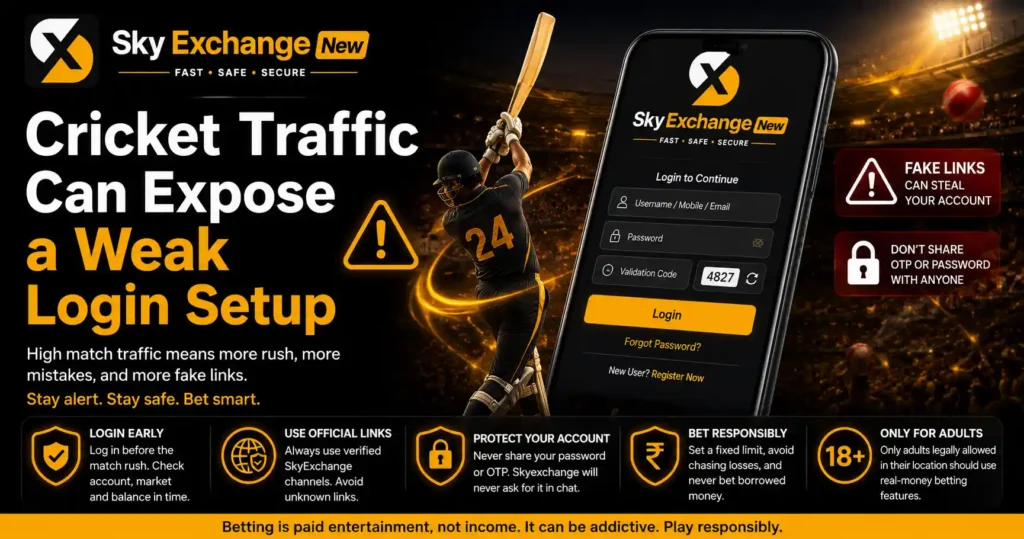
Demand can rise around major India matches, IPL evenings, tournament knockouts, and final-over finishes. Users then rush to open live online cricket betting pages, which creates the perfect moment for typing errors and fake-link scams.
Log in before the match window rather than during a sudden price movement. Confirm the account, market, and balance while there is still time to stop and inspect anything unusual.
A skyexchange bet screen should never pressure you to ignore account security. If a page redirects repeatedly, asks for a second deposit to activate login, or demands an OTP through chat, leave the page and verify the account channel.
Treat betting as paid entertainment, not income. Set a fixed spending limit, avoid chasing losses, and do not use borrowed money. Only adults who are legally permitted to participate in their location should use real-money features.
Five Checks Before You Press Login
- Confirm the full Skyexch Plus domain in the address bar.
- Match the skyexchange login ID character by character.
- Enter the current password with the correct letter case.
- Copy the latest validation digits shown on the page.
- Confirm the dashboard name, balance, and recent activity after entry.
These checks take less time than recovering a compromised online betting ID. They are especially useful on match days when a user is moving quickly between scores, streams, fantasy teams, and a cricket betting exchange.
One Final Rule Most Login Guides Miss
Speed matters only after authenticity. A 10-second skyexchange plus login is not a success if the credentials were entered on the wrong page, saved on a shared device, or handed to an unverified agent.
Use the verified page, keep the Sky Exchange ID private, update the browser, read the validation number carefully, and stop after repeated failures. That routine gives you the best chance of reaching your account without turning a minor login problem into a security incident.
